Run TYPO3 as it was in the past
A trip down memory lane, 2002 to 2017.
Five real TYPO3 releases, from 3.3 in 2002 to 6.2 in 2017, still run today. Fully containerized. They are not mock-ups. They are the original archives, checksum-verified, on PHP 4.4.9 for 3.3.0 and PHP 5.6 for the rest. Start in 2002 and experience the TYPO3 evolution yourself.




-
TYPO3 3.3.0 2002-06-03TYPO3 3.3.0 Backend - Microsoft Internet Explorer_□xBackForwardStopAddresshttp://127.0.0.1:8033/typo3/Go
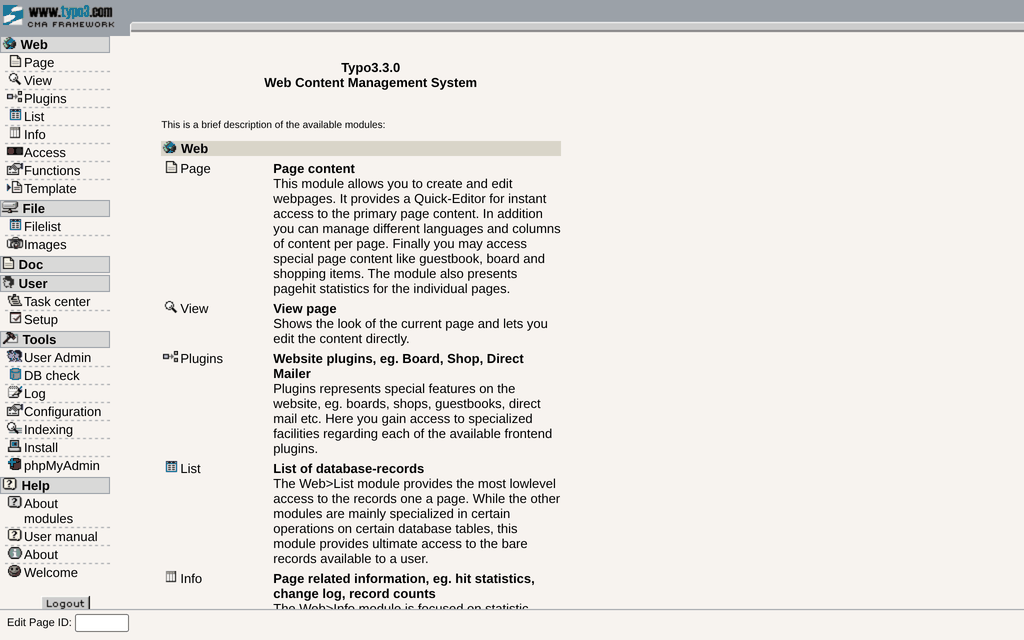 DoneInternet
- Runs on
- PHP 4.4.9, MySQL 5.5
- Known for
- The oldest publicly available release
-
TYPO3 3.8.1 2005-11-14TYPO3 3.8.1 Backend - Microsoft Internet Explorer_□xBackAddresshttp://127.0.0.1:8038/typo3/Go
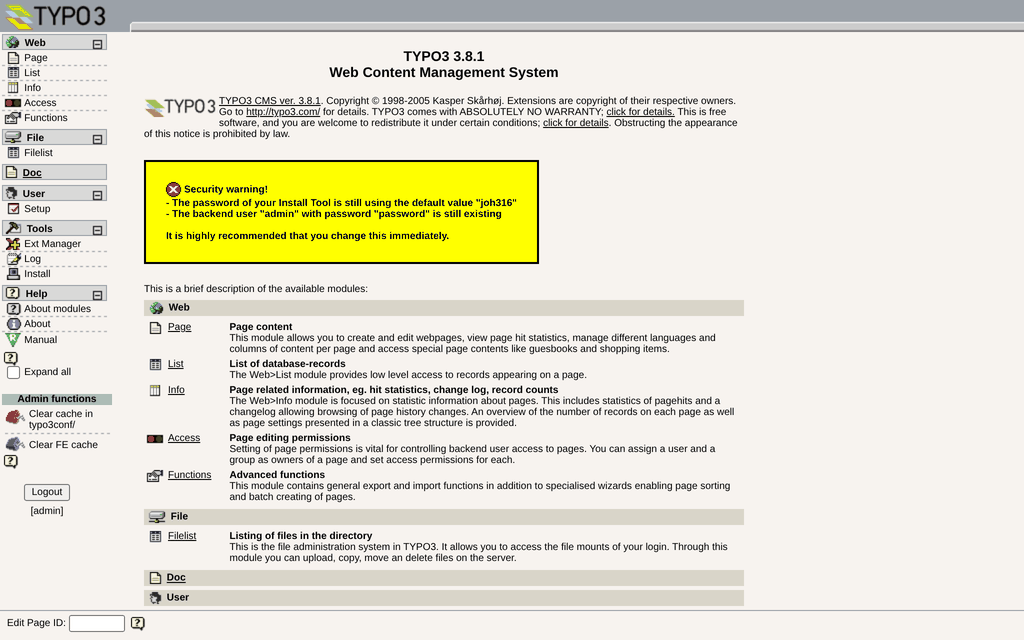 DoneInternet
- Runs on
- PHP 5.6.40 (PHP4 in Browser), MySQL 5.5
- Known for
- The last release before 4.0
-
TYPO3 4.0.13 2009-07-02TYPO3 4.0.13 Backend - Windows Internet Explorer_□x★TYPO3 4.0.13 Backend
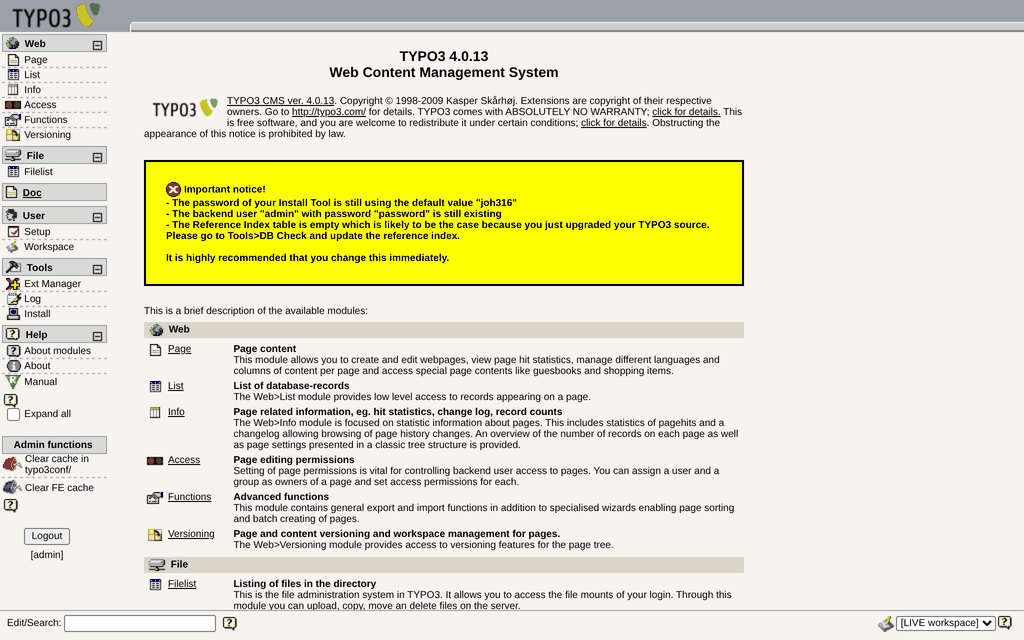 DoneInternet
- Runs on
- PHP 5.6.40 (PHP4 in Browser), MySQL 5.5
- Known for
- The only 4.0 release the feed lists
-
TYPO3 4.5.40 2015-02-19TYPO3 4.5.40 Backendx_□x
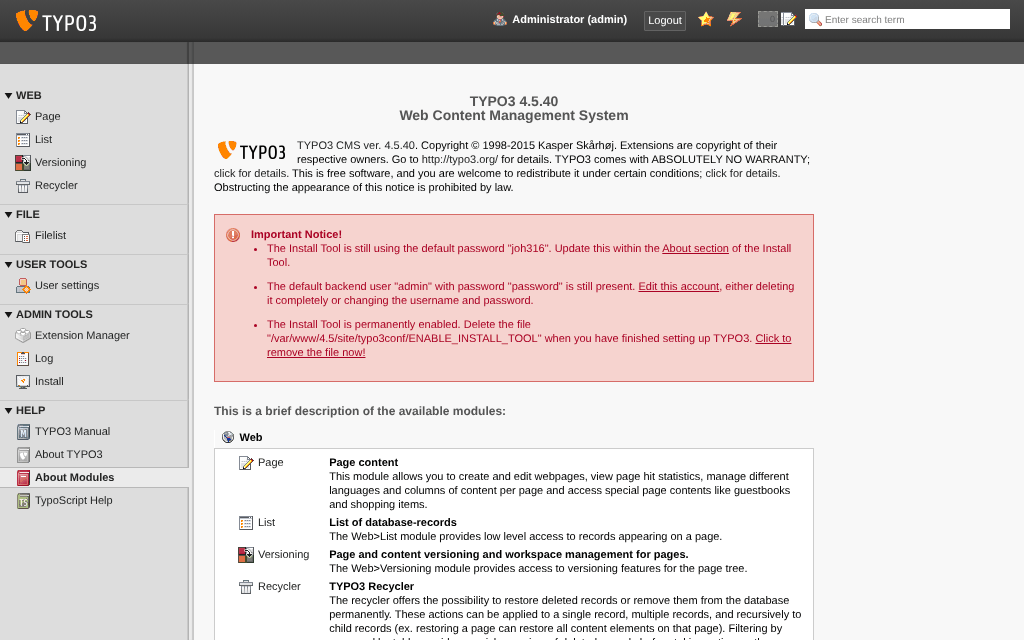
- Runs on
- PHP 5.6.40, MySQL 5.5
- Known for
- UTF-8 by default, the first LTS
-
TYPO3 6.2.31 2017-04-18TYPO3 6.2.31 Backendx_□x
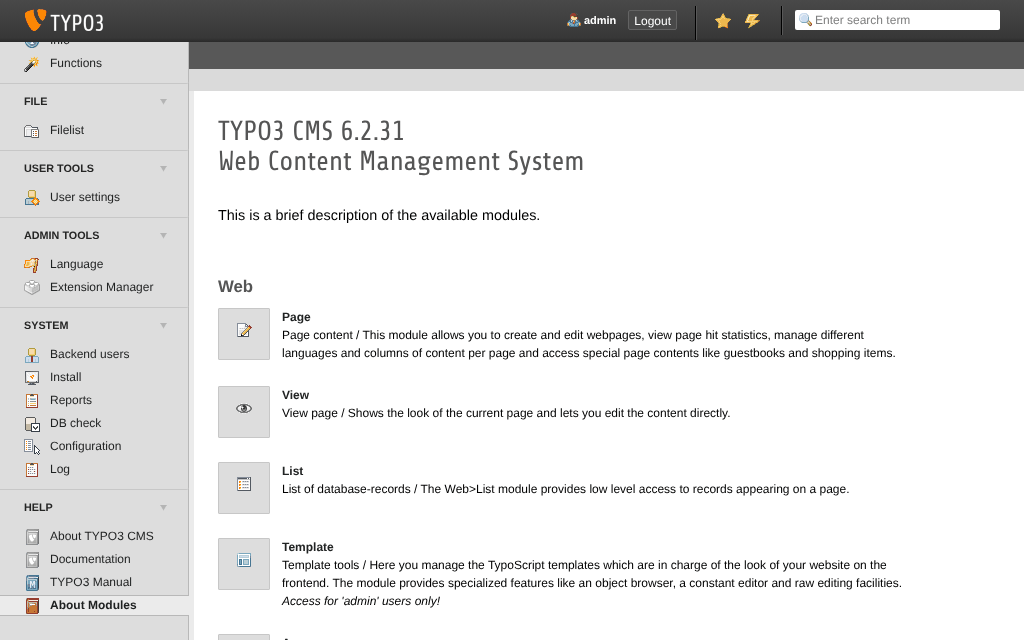
- Runs on
- PHP 5.6.40, MySQL 5.5
- Known for
- The last public 6.2 LTS
Try it in your browser
Every release runs in your own tab. Nothing to install, nothing runs on a server. How it works.
Or run one yourself
All five releases run on your own machine, with Docker Compose 2.23.1 or newer and one downloaded file.
curl -fsSL -o typo3-3.3.yaml https://raw.githubusercontent.com/mteu/typo3-throwback/main/3.3/compose.yaml
docker compose -f typo3-3.3.yaml up -d
# then open http://127.0.0.1:8033/
These stacks are insecure by design. They carry years of known, unpatched remote code execution bugs. Keep them on loopback and never expose them. Read the documentation.